Skip to content

Skip to product information
1 of 5

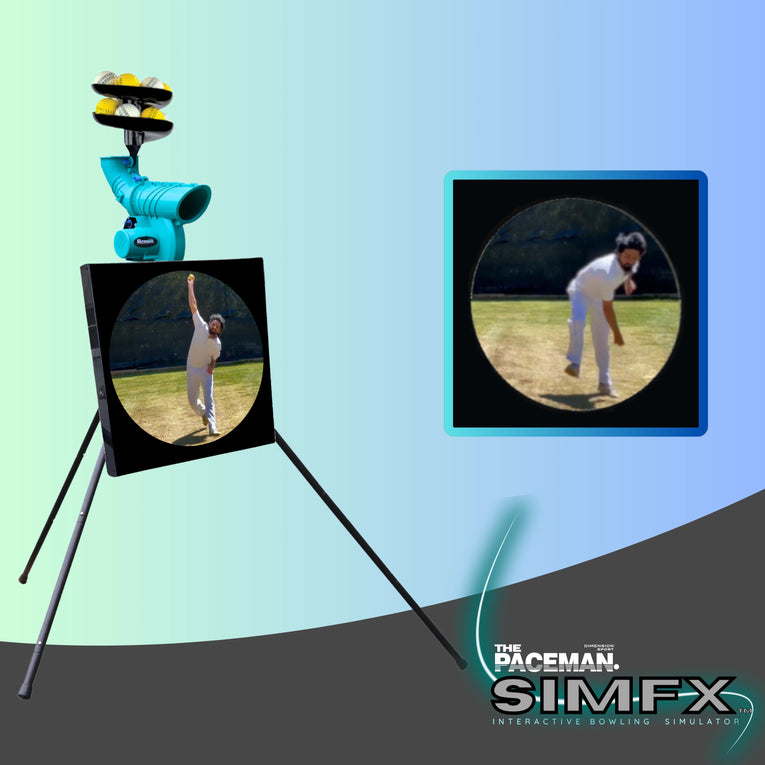
Paceman SimFX Interactive Bowling Simulator Screen

Regular price
$319.99
Regular price
$319.99
$359.00
Sale price
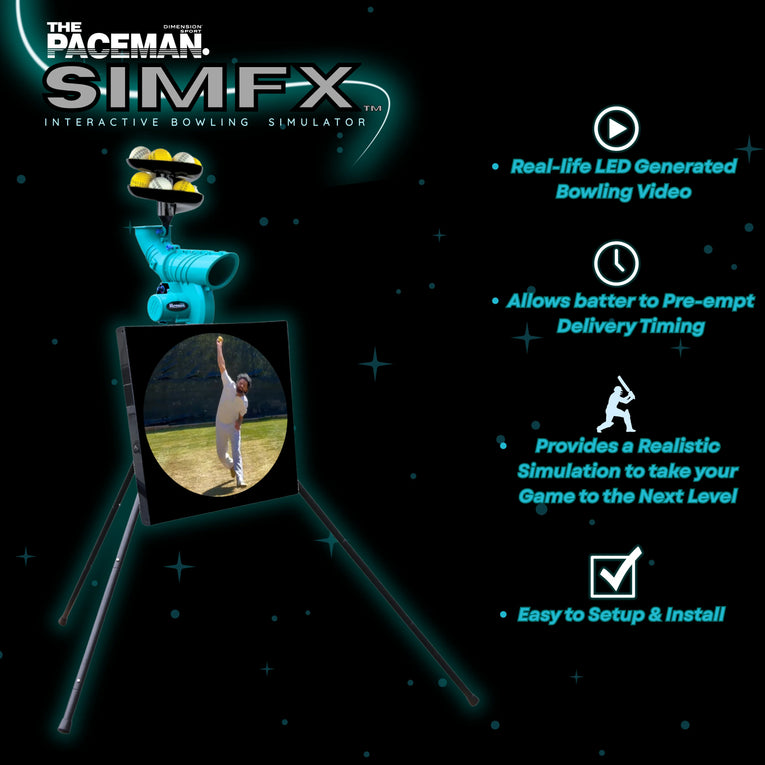
Real-life LED-Generated Bowling Video
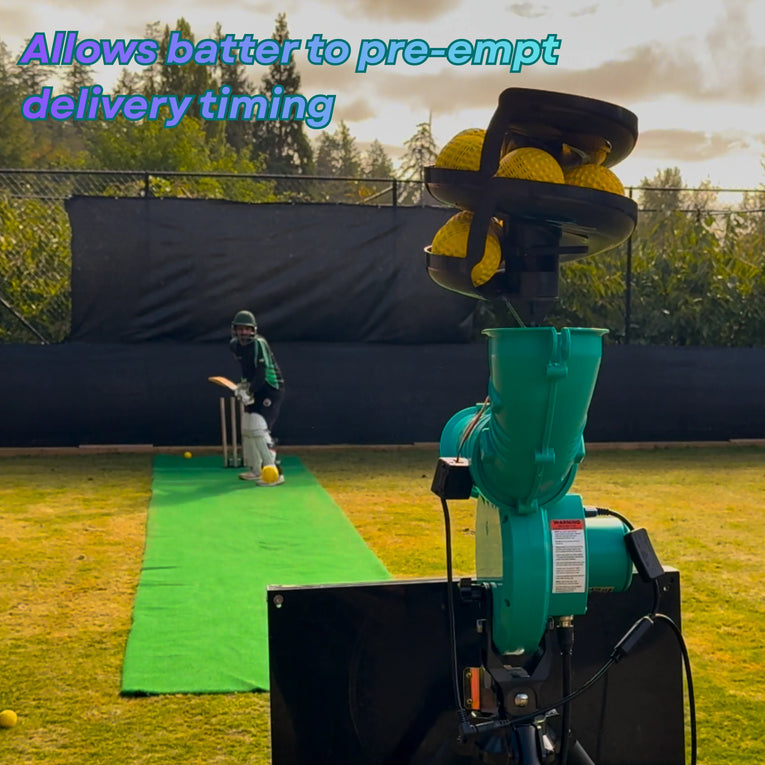
Allows Batter to pre-empt delivery timing
Provides Realistic Simulation to take your Game to the Next Level
Easy to Set Up and Install
Compatible with existing 176XT & 195XT Paceman Machines
Works with: Paceman Original Balls , Paceman LTD Balls , Paceman Lightning Balls
Brand : Dimension Sport
Availability : In stock Out of stock
Paceman SimFX Interactive Bowling Simulator ScreenPaceman SimFX Interactive Bowling Simulator ScreenPaceman SimFX Interactive Bowling Simulator ScreenPaceman SimFX Interactive Bowling Simulator Screen

Paceman SimFX Interactive Bowling Simulator Screen

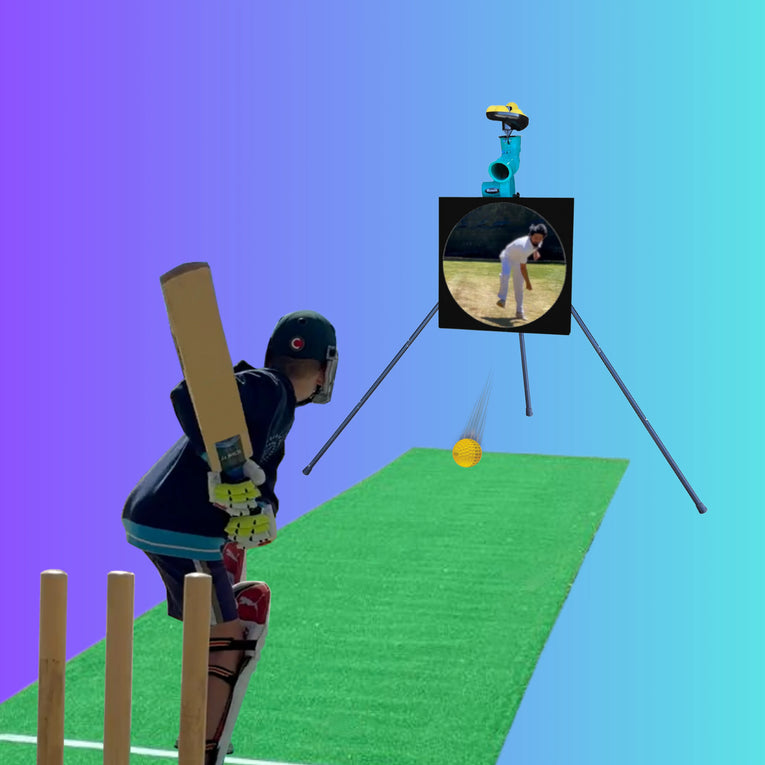
The Paceman SimFX Bowling Simulator provides Realistic Visual Synchronization between Bowler and Machine to deliver the Ultimate Batting Experience. Whether in the nets or the backyard, there is an affordable SimFX option to fit your needs. It’s an Absolute Game Changer and your Batting Practice will never be the same.

  • When Brand New Balls are first removed from their packaging they will often have a slightly tacky/sticky outer surface which may cause them to become stuck in the SimFX feeding mechanism. It is recommended that brand new balls be pre-used in the bowling machine a number of times before using them with theSimFX.
  • Bright conditions and direct sunlight can affect the visibility of the screen.
  • Each SimFX screen and ball feeder have been factory calibrated and are labeled with matching numbers. Should minor timing calibration be required, detailed instructions can be found on the back of the screen cover or in the instruction manual.
  • The SimFX is compatible with all 195XT machines, and the most recent 176XT version machines. For previous 176XT version machines, a small adapter kit is required for the ball feeder.
  • In the event that a ball becomes stuck in the feeding mechanism and will not drop into the machine, youll need to do the following:
    1. Turn off both the machine and the SimFX.
    2. Gently move the feeding arm and manually move the ball by hand. Avoid letting the ball drop into
    aaaaathe machine.
    3. Gently move the feeding arm back to its original position.
    4. Restart the machine and SimFX.


Please visit us in store, email us or call us on 0280021197 or 04888KNOCK (0488856625).

At Orange Sports Australia, we have full commitment to bring you best of cricket gear at an affordable price.